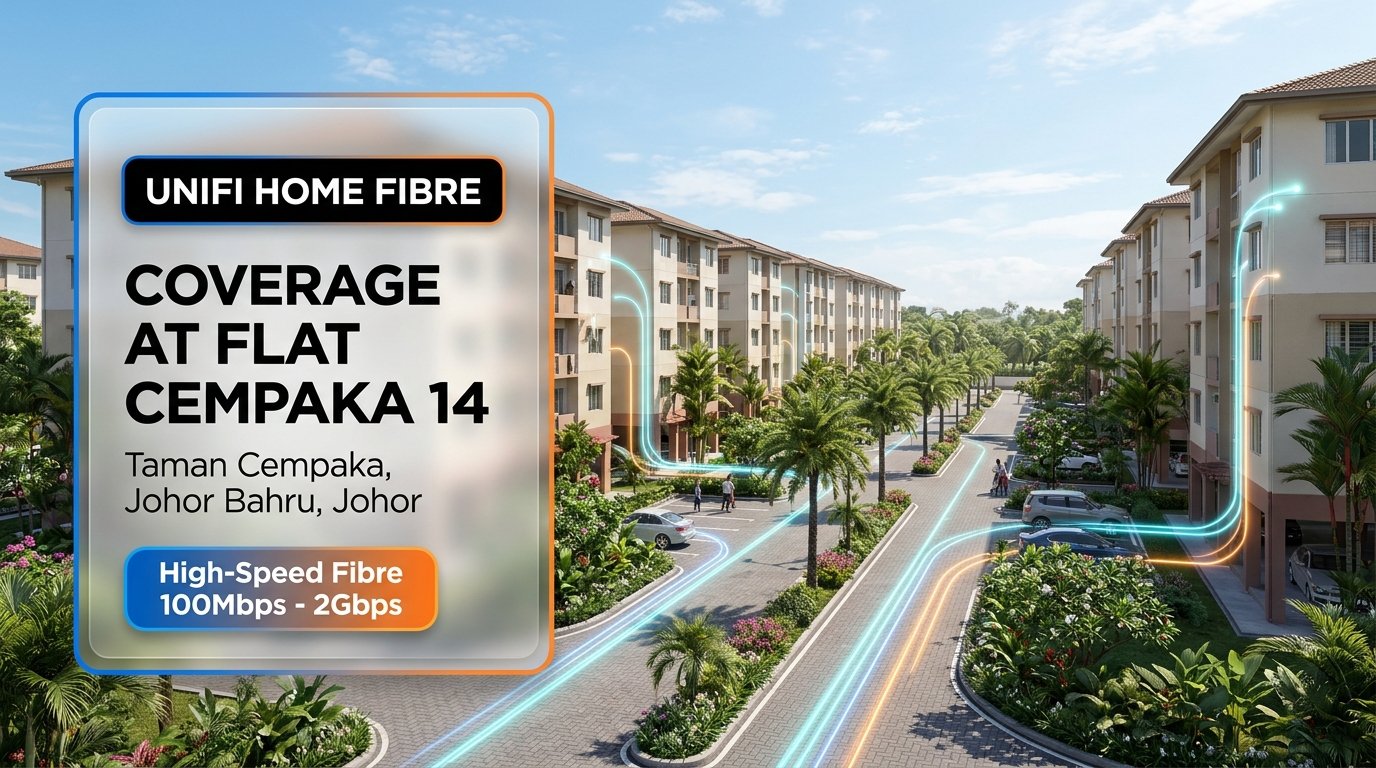
Are you residing in Flat Cempaka 14 at Taman Cempaka, Johor Bahru, and looking for a reliable, ultra-fast home internet connection? TM Unifi Home Fibre brings full fibre-to-the-home (FTTH) performance directly to your walk-up apartment unit, delivering high-speed bandwidth ranging from 100Mbps up to 2Gbps. Whether your household streams 4K entertainment, handles heavy remote work, or engages in low-ping gaming, Unifi ensures rock-solid uptime and uninterrupted family connectivity.
📍 Quick Coverage Snapshot: Flat Cempaka 14
- Property Type: 4 to 5-Storey Residential Walk-Up Flat (Blok 14)
- Location: Taman Cempaka, 81200 Johor Bahru, Johor
- GPS Coordinates: 1.516968, 103.702421
- Broadband Technology: 100% Pure Optical Fibre (FTTH) Distribution Points
- Supported Speeds: 100Mbps, 300Mbps, 500Mbps, 1Gbps, 2Gbps
- Included Equipment: Free Wi-Fi 6 Certified Router + Optical Network Router (ONR/BTU)
- Standard Installation: Free standard wiring from distribution point to your unit
- Fastest Coverage Verification: Instant WhatsApp port check via +6010-8618779
Why Upgrade to Unifi Fibre at Flat Cempaka 14?
Residential walk-up flats often present unique networking challenges. Many units in older developments previously relied on legacy copper lines or mobile 4G/5G broadband wireless routers. In dense apartment blocks like Flat Cempaka 14, mobile broadband frequently suffers from severe evening throttling, high latency spikes, and signal degradation caused by reinforced concrete walls.
By migrating to dedicated Unifi Home Fibre, you bypass congested cellular towers completely. A direct optical fibre cable links your indoor terminal to Telekom Malaysia’s high-capacity optical distribution point (DP). This guarantees symmetrical performance, zero data caps, low jitter for online conferences, and dependable speeds around the clock for every family member.
Unifi Home Fibre Speed Plans & Pricing (2026 Comparison)
Choosing the right plan depends on your household size, device count, and daily online activities. Below is the comparative plan matrix available for residents at Flat Cempaka 14:
| Plan Speed | Monthly Subscription | Supplied Hardware | Ideal Usage Scenario | Setup Perks |
|---|---|---|---|---|
| 100Mbps | RM89 / month | Wi-Fi 6 Router + ONR | Light households, basic streaming, web browsing & social media (1–3 devices) | Free Standard Installation |
| 300Mbps | RM129 / month | Wi-Fi 6 Router + ONR | Most popular family plan, multi-device 4K streaming, smooth video meetings (4–7 devices) | Free Standard Installation |
| 500Mbps | RM149 / month | High-Performance Wi-Fi 6 Router | Active streaming homes, cloud backups, low-ping console & PC gaming (6–12 devices) | Free Standard Installation |
| 1Gbps | RM249 / month | Premium Wi-Fi 6 Mesh Router | Power users, smart home automation, rapid gigabyte file transfers (10+ devices) | Free Standard Installation |
| 2Gbps | RM349 / month | Flagship Wi-Fi 6 Optical Mesh System | Ultra-heavy multi-user bandwidth, content creators, multi-gig concurrent downloads | Free Standard Installation |
Note: Promotional rates and subscription bundles are subject to TM terms and conditions. Contract duration is 24 months with zero upfront fees for standard Malaysian IC registrations.
Installation Guidelines for Flat Cempaka 14 Units
Installing fibre optic in a multi-storey walk-up flat requires proper preparation to guarantee a smooth and clean setup. Keep these essential tips in mind for installation day:
- Distribution Point (DP) Proximity: Fibre DP boxes at Flat Cempaka are typically mounted along stairwells or external corridor walls. TM technicians route flexible optical cables through existing conduit pathways or surface trunking into your living room.
- Optimal Router Placement: Place your Wi-Fi 6 router in an open, raised location near the center of your apartment. Avoid hiding the router behind metal grills, concrete pillars, or close to heavy electrical appliances like refrigerators and microwave ovens.
- Wi-Fi Channel Management: Because neighbouring walk-up units are close together, 2.4GHz Wi-Fi frequencies can experience congestion. Your provided Unifi Wi-Fi 6 router automatically pairs with the cleaner 5GHz band, delivering maximum speed and minimal interference across your bedrooms and living room.
- Free Standard Installation: Standard installation covers up to 15 meters of internal surface-run fibre optic cable from the entryway to your optical network router. Additional custom concealed trunking or non-standard drilling is arranged directly with the certified contractor if needed.
Explore Official Unifi Plans (Interactive Stories)

Location Map: Flat Cempaka 14, Taman Cempaka
Flat Cempaka Blok 14 is centrally situated in Taman Cempaka, Johor Bahru, with direct accessibility to Jalan Cempaka, Jalan Persiaran Tanjung, and the main Tampoi industrial and residential arteries.
Location Disclaimer: Map positioning shows the approximate building coordinates (1.516968, 103.702421) for Flat Cempaka Blok 14 in Taman Cempaka. Port availability is verified against Telekom Malaysia’s live database upon application.
How to Register for Unifi at Flat Cempaka 14
Getting your home connected with Unifi Home Fibre is completely online and hassle-free. You do not need to queue at a physical TM Point:
- Step 1: Verify Port Availability: Send your complete unit number and address via WhatsApp to our team at +6010-8618779. We perform an instant check on the TM distribution box serving Blok 14.
- Step 2: Choose Your Package: Select your preferred bandwidth (from 100Mbps up to 2Gbps) and optional entertainment add-ons like Unifi TV.
- Step 3: Online Submission: Provide a copy of your Malaysian MyKad or foreign passport along with your installation contact details through our secure digital application form.
- Step 4: Professional On-Site Installation: Certified TM technicians visit your Flat Cempaka unit on your preferred appointment date to install the optical cabling, configure your Wi-Fi 6 router, and test your high-speed internet on the spot.
Frequently Asked Questions (FAQ)
1. Is fibre broadband ready for all floors in Flat Cempaka 14?
Yes. Fibre optic infrastructure supports walk-up units across all levels. As long as there is an available optical distribution port in your block’s terminal, technicians can run the drop-fibre cable directly to your floor.
2. How long does the on-site installation usually take?
A standard flat installation takes approximately 1.5 to 2.5 hours. This includes routing the drop cable from the corridor DP, placing the internal wall socket, testing light levels, and activating the Wi-Fi 6 router.
3. Can tenants apply for Unifi in rented units?
Yes. Tenants can apply under their own name with a valid Malaysian IC or passport. It is always recommended to notify your landlord prior to installation regarding internal surface cable routing.
4. Are there any upfront charges during registration?
For Malaysian citizens with a verified MyKad, standard registration and standard installation are completely free of upfront payments. Your monthly subscription fee starts on your first billing cycle after service activation.
Ready to upgrade your home internet experience? Connect with our dedicated team today to secure your port and enjoy lightning-fast browsing, streaming, and gaming at Flat Cempaka 14.