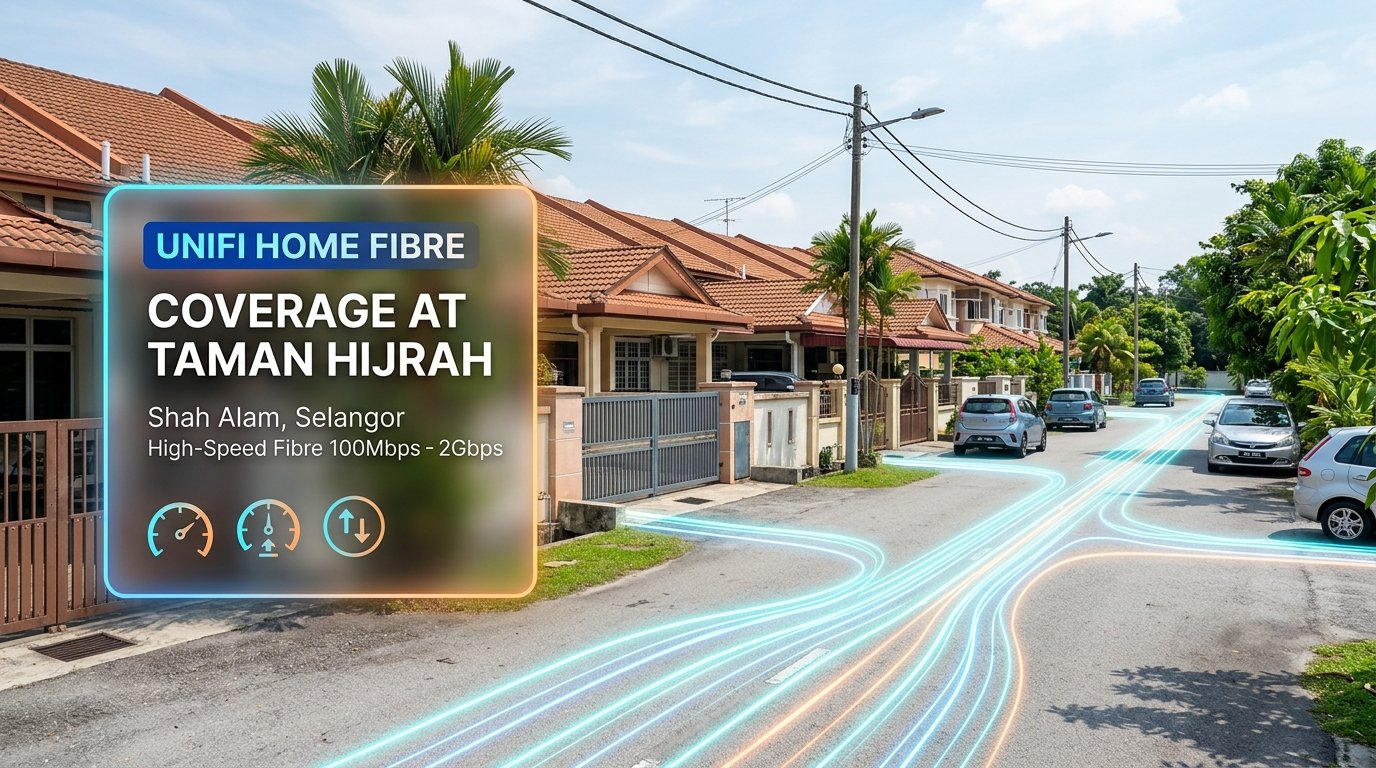
Unifi Home Fibre at Taman Hijrah, Shah Alam (Selangor)
Are you living in Taman Hijrah, Shah Alam and looking for dependable, lightning-fast home internet? As more households adopt remote working routines, digital classroom learning, smart home automation, and simultaneous 4K entertainment streaming, having a stable fixed broadband connection is an everyday essential. Mobile broadband hotspots and cellular data routers often struggle during peak evening hours due to local mobile tower congestion, making dedicated fixed-line fiber the gold standard for reliable connectivity.
Residents of Taman Hijrah can tap into Telekom Malaysia’s high-speed Unifi Home Fibre network. Operating on a pure 100% fibre-to-the-home (FTTH) infrastructure, Unifi delivers symmetrical performance, unlimited data quotas, and speed options ranging from 100Mbps up to 2Gbps directly to landed homes.
Quick Coverage Snapshot: Unifi Home Fibre is open for registration at Taman Hijrah, Shah Alam (Selangor). Available speed plans range from 100Mbps to 2Gbps, accompanied by an official Wi-Fi 6 certified router and complimentary standard installation. Physical connection requires an open optical distribution point (DP) port near your house lot, which can be checked instantly by sending your address to our team.
Verifying Fibre Port Availability at Taman Hijrah
Taman Hijrah is a mature landed housing enclave in the southern sector of Shah Alam, bordering Jalan Kebun and Bukit Kemuning. Landed properties in this area connect to Telekom Malaysia’s optical backbone via outdoor distribution points (DP boxes) mounted on utility poles along residential streets.
Each distribution box contains a fixed number of fiber ports engineered to serve surrounding house lots. In well-established neighbourhoods like Taman Hijrah, open ports can fill up quickly as more families upgrade from legacy copper lines or unreliable cellular routers to pure fibre optic. If your immediate pole has no open port, TM engineers may explore pulling a drop cable from an adjacent pole or filing a network port expansion request.
Before making plans, checking your exact house address in TM’s live coverage database ensures an assigned port is ready for your installation appointment. You can submit your full address via WhatsApp to +6010-8618779 for an instant port check.
Comparing Unifi Home Fibre Speed Plans & Pricing
Selecting the right broadband tier depends on your household size, device count, and daily online usage patterns. Here is how the official Unifi Home Fibre packages compare for residents in Taman Hijrah:
| Plan Tier | Monthly Fee | Download / Upload | Included Hardware | Recommended For |
|---|---|---|---|---|
| Unifi 100Mbps | RM89 / month | 100 Mbps / 50 Mbps | Wi-Fi 6 Router + ONR | Light households, everyday browsing, HD streaming (1–3 devices) |
| Unifi 300Mbps | RM129 / month | 300 Mbps / 50 Mbps | Wi-Fi 6 Router + ONR | Most popular family plan, multi-device 4K streaming, online schooling (4–7 devices) |
| Unifi 500Mbps | RM149 / month | 500 Mbps / 100 Mbps | Wi-Fi 6 Router + ONR | Work-from-home pros, heavy cloud backups, low-ping gaming (6–12 devices) |
| Unifi 1Gbps | RM249 / month | 1,000 Mbps / 200 Mbps | Premium Wi-Fi 6 Mesh Ready | Large multi-storey homes, smart home ecosystems, multi-user gigabit speed (10+ devices) |
| Unifi 2Gbps | RM349 / month | 2,000 Mbps / 1,000 Mbps | Flagship Wi-Fi 6 Optical Mesh System | Heavy power users, home production studios, extreme bandwidth headroom |
Note: Promotional rates are subject to Telekom Malaysia terms. Standard contracts run for 24 months with zero upfront charges for verified Malaysian IC registrations.
Which Plan Should You Choose?
- 100Mbps (RM89): Ideal for small families, retirees, or rental tenants who require dependable web surfing, social media browsing, and HD Netflix or YouTube viewing.
- 300Mbps (RM129): The recommended sweet spot for typical Malaysian households. Several family members can stream in 4K, hold video conferences, and attend online tuition simultaneously without experiencing lag.
- 500Mbps (RM149): Great value with 100Mbps upload speeds, making it ideal for remote workers transferring large project files, cloud backups, and gamers wanting minimal jitter.
- 1Gbps & 2Gbps: Engineered for large landed properties with numerous smart devices, CCTV cameras, and heavy data demands.
Optimizing Wi-Fi Coverage for Landed Homes in Taman Hijrah
Landed terrace homes in Shah Alam typically have solid concrete walls, tile floors, and extended floor layouts that can weaken wireless signals between the living hall, rear kitchen, and upper bedrooms. To get the best wireless performance throughout your house:
- Central Router Placement: Place your Wi-Fi 6 router in an open, raised location near the center of the ground floor. Avoid tucking the router inside an enclosed TV cabinet or near metal security grilles.
- Utilize the 5GHz Band: Connect your high-priority devices (smart TVs, laptops, gaming rigs) to the 5GHz frequency band, which offers significantly faster speeds and less interference from neighbouring homes.
- Deploy Mesh Wi-Fi Satellites: For double-storey terrace layouts, add a compatible Mesh Wi-Fi node on the first-floor landing. Mesh technology connects wirelessly to your main router, eliminating blind spots in master bedrooms and family study areas.
- Direct Ethernet for Workstations: For critical work desks or desktop gaming setups, run a direct Cat6 cable from your router for maximum speed and zero wireless interference.
Explore Official Unifi Plans (Interactive Stories)

Location Map: Taman Hijrah, Shah Alam
Taman Hijrah is conveniently situated in Shah Alam, Selangor, with immediate access to Jalan Kebun, Bukit Kemuning, Kota Kemuning, and key transit arteries including the KESAS Highway and LKSA Expressway.
Location: Taman Hijrah, Shah Alam, Selangor. Open in Google Maps →
Map illustrates the neighbourhood area. Fibre port allocation requires an exact house lot database check.
How to Register for Unifi at Taman Hijrah
Registering for Unifi Home Fibre is completely online and paperless. There is no need to queue at a physical TM Point:
- Step 1: Check Open Port Capacity: Send your full house address to our team via WhatsApp at +6010-8618779 or submit through our online coverage tool. We verify port availability on the nearest TM distribution pole.
- Step 2: Choose Your Package: Select your preferred speed tier (100Mbps to 2Gbps) and optional entertainment add-ons like Unifi TV.
- Step 3: Submit Digital Application: Share a photo of your Malaysian MyKad or valid passport along with your installation details through our secure registration form.
- Step 4: Certified Installation: Professional TM technicians arrive on your chosen appointment date to route the drop fiber cable, install the optical terminal socket, configure your Wi-Fi 6 router, and verify live speeds.
Frequently Asked Questions (FAQ)
1. Is fibre internet available for all house rows in Taman Hijrah?
Telekom Malaysia has expanded fibre infrastructure across Shah Alam landed areas. Availability for an individual house depends on the open port count at your nearest pole-mounted DP box.
2. Does standard installation cost anything?
No. Standard installation is completely free of charge with all 24-month Unifi Home Fibre contracts. This includes outdoor drop cable routing, indoor optical wall socket installation, and router setup.
3. Can tenants living in rented houses apply?
Yes. Tenants can register under their own name using their MyKad or passport. It is polite to inform your landlord regarding the surface cable entry point.
4. What happens if the distribution box on my street is full?
If all ports in your immediate DP are occupied, our team can submit a port expansion request directly to TM engineering so they can allocate extra capacity or route a connection from an adjacent cabinet.