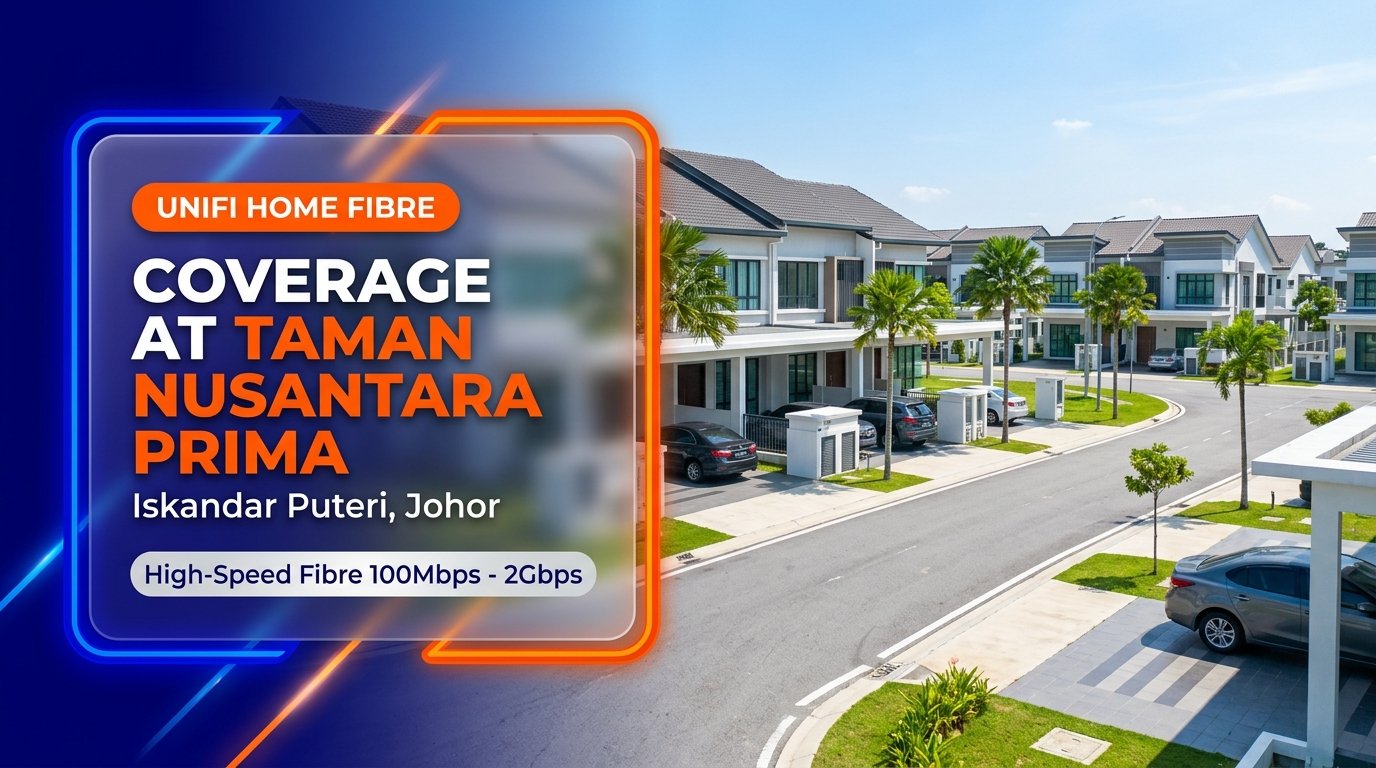
Unifi Home Fibre at Taman Nusantara Prima, Iskandar Puteri (Johor)
Modern family life in the rapidly growing economic corridor of Iskandar Puteri requires dependable, low-latency, and high-capacity broadband connectivity. Whether you are managing cross-border hybrid work schedules with colleagues in Singapore, operating international video conferences, streaming 4K entertainment across multiple rooms, or supporting children with university coursework, having a reliable home broadband connection is fundamental to everyday productivity.
Residents living at Taman Nusantara Prima in Iskandar Puteri (Gelang Patah, Johor) can access high-speed fixed-line internet through Telekom Malaysia’s official Unifi Home Fibre infrastructure. Built with dedicated fibre-to-the-home (FTTH) architecture, Unifi offers robust bandwidth packages ranging from 100Mbps up to 2Gbps directly to landed residences.
Quick Coverage Snapshot: Unifi Home Fibre is available for registration at Taman Nusantara Prima, Iskandar Puteri (Johor). Supported speed tiers range from 100Mbps to 2Gbps with complimentary standard installation and an official Wi-Fi 6 router included. Physical connection and port activation depend on open distribution point (DP) port capacity on your specific street or cul-de-sac.
Verifying Address and Fibre Port Availability at Taman Nusantara Prima
Taman Nusantara Prima is a planned residential township comprising modern two-storey terrace and cluster homes positioned strategically adjacent to Nusa Bayu, SILC (Southern Industrial and Logistics Clusters), and the central road network connecting to Kota Iskandar and the Malaysia-Singapore Second Link. While primary fibre optic cables run along the main access thoroughfares of Iskandar Puteri, confirming internet readiness for an individual house requires a street-level distribution check.
Landed residences connect to Telekom Malaysia’s optical network via outdoor fibre distribution points (DP boxes) installed on street telecommunication poles or underground pedestals. Each DP box contains a limited number of connection ports engineered to serve surrounding house lots. In active suburban neighbourhoods, available ports can reach full capacity as more families settle in.
Submitting your complete house address—including street name and house lot number—enables an authorized agent to check real-time port capacity in TM’s engineering database. If an open port is assigned, standard installation can be confirmed quickly. If the nearest DP box is occupied, performing a verification check prompts TM engineers to initiate network port expansions or locate adjacent cabinet capacity.
Comparing Unifi Home Fibre Packages for Landed Residences
Choosing the ideal broadband package for your landed home at Taman Nusantara Prima depends on your household size, digital habits, and the number of devices sharing the connection simultaneously. Unifi offers five core speed tiers tailored for light daily use through to high-capacity digital households.
| Plan Tier | Download | Upload | Hardware Included | Best For |
|---|---|---|---|---|
| Unifi 100Mbps | 100 Mbps | 50 Mbps | Wi-Fi 6 Router | 1–3 Users, Daily Browsing, HD Video |
| Unifi 300Mbps | 300 Mbps | 50 Mbps | Wi-Fi 6 Router | Family Homes, 4K Streaming, Gaming |
| Unifi 500Mbps | 500 Mbps | 100 Mbps | Wi-Fi 6 Router | Remote Work, Content Creation, Low Latency |
| Unifi 1Gbps | 1,000 Mbps | 200 Mbps | Wi-Fi 6 Mesh Ready | Large Multi-Device Households, Smart Home |
| Unifi 2Gbps | 2,000 Mbps | 1,000 Mbps | Wi-Fi 6 Flagship | Heavy Power Users, Studios, Zero Bottleneck |
Unifi 100Mbps: Everyday Essential Broadband
The 100Mbps plan provides an economical entry point for small households, young couples, or retirees residing in Taman Nusantara Prima. It provides ample bandwidth for standard high-definition streaming, everyday browsing, social media browsing, and regular Zoom communications.
Unifi 300Mbps: The Balanced Family Standard
The 300Mbps tier is the preferred baseline for typical Malaysian family households. With 300Mbps download capability, multiple family members can stream high-definition movies on smart televisions, attend virtual classes, and play online multiplayer games simultaneously without experiencing connection slowdowns.
Unifi 500Mbps: High-Capacity Streaming and Cross-Border Remote Work
For professionals working remotely for Singapore-based or multinational companies, the 500Mbps plan offers 100Mbps upload headroom. Large file transfers, cloud server backups, and continuous high-definition video calls operate smoothly without buffer delays.
Unifi 1Gbps: Ultra-Gigabit Performance for Smart Homes
The 1Gbps plan is engineered for expansive multi-storey homes equipped with extensive smart home ecosystems, CCTV monitoring systems, multiple smart TVs, and heavy gaming setups. Paired with Mesh Wi-Fi support, it supplies uniform gigabit throughput throughout every corner of the residence.
Unifi 2Gbps: Maximum Bandwidth Headroom
The flagship 2Gbps package provides maximum commercial-grade bandwidth capacity. Featuring lightning-fast gigabit download and upload streams, it ensures zero network contention for digital content creators, online broadcasters, and heavy data households.
Whole-Home Wi-Fi Optimisation for Double-Storey Homes in Iskandar Puteri
Double-storey terrace and cluster houses in Taman Nusantara Prima are constructed with reinforced concrete slabs, masonry walls, and extensive partition layouts. These structural elements can significantly reduce Wi-Fi signal propagation between ground-floor living halls and upper-floor bedrooms.
To establish dependable wireless reception throughout your entire property:
- Central Ground Floor Placement: Position your official Wi-Fi 6 router in an open, raised location in your ground-floor living or family hall rather than inside an enclosed TV cabinet or under the staircase.
- Add Mesh Wi-Fi Satellites: Install a paired Mesh Wi-Fi node on the first floor landing. Mesh units communicate wirelessly on a dedicated backhaul channel, eliminating dead zones in master bedrooms and study areas.
- Ethernet Backhaul for Workspaces: For dedicated home offices, run a direct Cat6 Ethernet cable from the router to your workstation for rock-solid stability and zero wireless interference.
Frequently Asked Questions
1. How can I confirm if my house in Taman Nusantara Prima has an available fibre port?
You can check immediately by sharing your complete street address with our authorized team via our online portal or WhatsApp. We run an instant query against Telekom Malaysia’s geographic database to confirm port status at your nearest DP pole.
2. Is standard installation included free of charge?
Yes. Complimentary standard installation is included with all new 24-month Unifi Home Fibre subscriptions. This covers outdoor drop-cable routing, internal fiber termination, standard optical wall socket fitting, and Wi-Fi 6 router setup.
3. What documents are required to register?
Malaysian citizens only need to submit clear photos of the front and back of their MyKad (NRIC). Foreign nationals living in Iskandar Puteri need a valid passport with at least six months validity.
4. How long does the installation appointment usually take?
Standard home fibre installations typically require between 2 to 3 hours depending on internal wiring pathways and distance from the outdoor distribution pole to your preferred router location.
5. What happens if all fibre ports on my street are occupied?
If all ports in your immediate distribution box are currently assigned, we can submit an official capacity expansion request directly to TM engineering to allocate new port cards or extend cabling from nearby nodes.
Where Is Taman Nusantara Prima, Iskandar Puteri?
Taman Nusantara Prima is conveniently situated in Iskandar Puteri (Gelang Patah, Johor), providing swift accessibility to the Second Link Expressway, Kota Iskandar, EduCity, Puteri Harbour, and downtown Johor Bahru.
Location: Taman Nusantara Prima, 79200 Iskandar Puteri, Johor. Open in Google Maps →
Map illustrates the neighbourhood location. Fibre port availability requires an exact-address database check.