Unifi Home Fibre at Taman Kipark, Puchong (Selangor)
If you live in Taman Kipark, Puchong (Selangor)—situated near Kampung Pulau Meranti and Jalan Desaria on the southern corridor of Puchong—dependable fixed-line broadband makes daily digital routines far smoother. Households in this quiet landed residential enclave balance remote work calls across Cyberjaya and Putrajaya, online university coursework, smart home security cameras, and evening 4K family streaming.
While mobile 4G and 5G wireless routers are convenient for temporary setups, cellular speeds can fluctuate during busy evening hours, and reinforced concrete walls across double-storey homes often dampen indoor signals. Connecting to Telekom Malaysia’s Unifi Home Fibre brings dedicated fibre-to-the-home (FTTH) cabling directly into your residence, offering unlimited data quotas and consistent speed tiers from 100Mbps up to 2Gbps, subject to address and port availability.
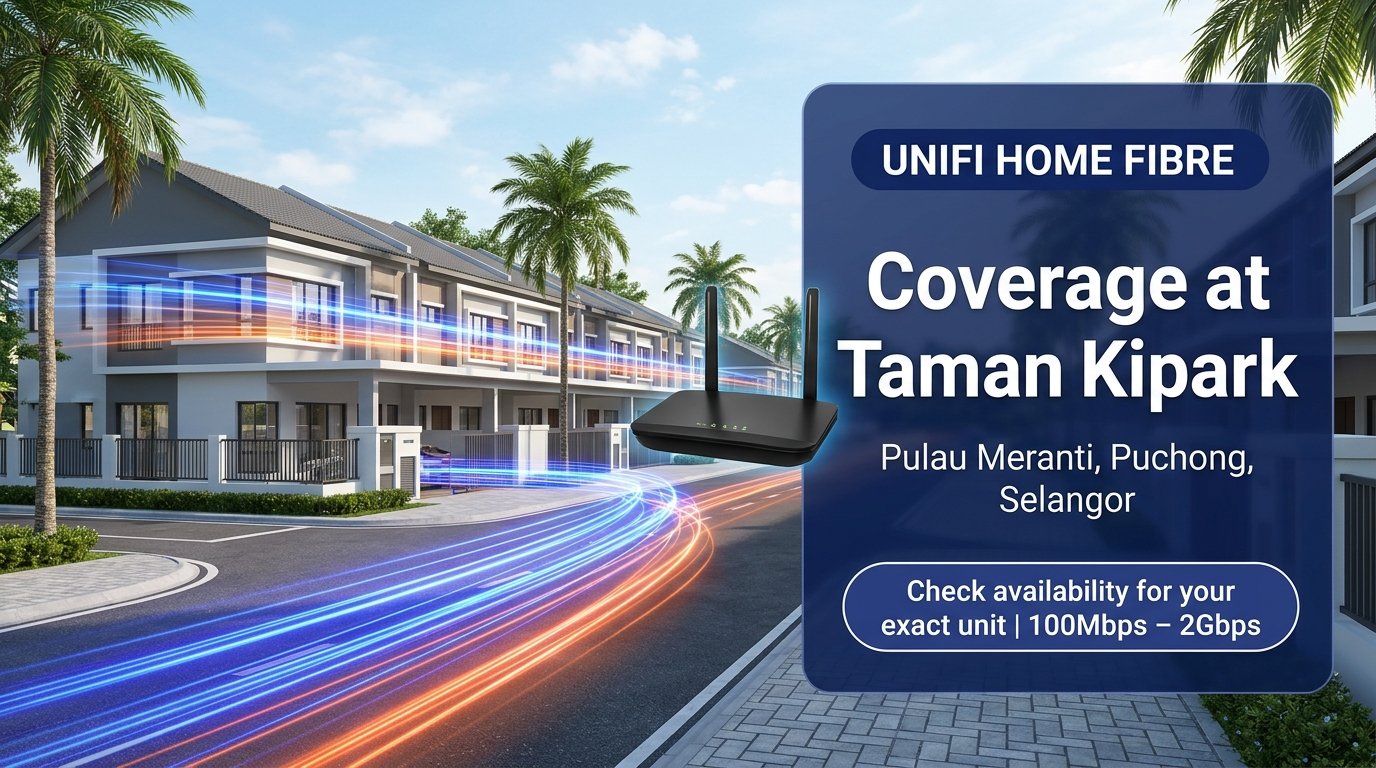
Quick Coverage Snapshot: Unifi Home Fibre registration at Taman Kipark, Puchong (47120 Selangor) supports speed tiers from 100Mbps to 2Gbps with an official Wi-Fi 6 router and standard installation included on 24-month contracts. Final activation depends on open distribution point (DP) port capacity at your exact house lot, which you can verify quickly via WhatsApp.
Coverage Check vs. Exact-Unit Port Availability in Taman Kipark
Understanding the difference between neighbourhood-level fibre infrastructure and unit-level port availability saves time before placing an order. In landed developments around Pulau Meranti and Jalan Desaria, Telekom Malaysia distributes optical fibre lines through outdoor distribution point (DP) boxes mounted on roadside utility poles.
Each DP box holds a fixed number of physical fibre ports shared across nearby terrace houses. Even when a street has active fibre coverage, a specific pole can temporarily reach full capacity if surrounding homes have already subscribed. When that occurs, installers check neighbouring poles within safe cabling distance or submit a port expansion request to TM network planning.
Running an exact-address check before you register confirms whether an open port is ready for your house number. Send your full Taman Kipark street address to our team on WhatsApp at +6010-8618779 or use the online coverage check form for a prompt verification.
Comparing Unifi Home Fibre Packages
Choosing the right Unifi package depends on how many people share the connection, how often you upload large files, and whether your home spans multiple floors. Review the current Unifi Home Fibre tiers below (specifications and hardware inclusions are subject to current TM terms and address eligibility):
| Plan Tier | Download | Upload | Hardware Included | Best For |
|---|---|---|---|---|
| Unifi 100Mbps | 100 Mbps | 50 Mbps | Wi-Fi 6 Router | 1–3 Users, Daily Browsing, HD Video |
| Unifi 300Mbps | 300 Mbps | 50 Mbps | Wi-Fi 6 Router | Family Homes, 4K Streaming, Gaming |
| Unifi 500Mbps | 500 Mbps | 100 Mbps | Wi-Fi 6 Router | Remote Work, Content Creation, Low Latency |
| Unifi 1Gbps | 1,000 Mbps | 200 Mbps | Wi-Fi 6 Mesh Ready | Large Multi-Device Households, Smart Home |
| Unifi 2Gbps | 2,000 Mbps | 1,000 Mbps | Wi-Fi 6 Flagship | Heavy Power Users, Studios, High Throughput |
Unifi 100Mbps: Practical Entry Fibre for Smaller Households
With 100Mbps download and 50Mbps upload speeds, this entry-level fibre plan handles everyday browsing, online banking, HD video streaming, and video calls for one to three regular users. It is a sensible choice for couples or smaller households seeking unlimited fixed broadband without paying for unused capacity.
Unifi 300Mbps: Balanced Speed for Active Families
Unifi 300Mbps offers ample headroom for typical family households in Taman Kipark. Multiple family members can stream 4K shows on the living room TV, join online tuition or work meetings, and download console updates concurrently without one device saturating the line.
Unifi 500Mbps: Faster Uploads for Remote Professionals
Doubling the upload bandwidth to 100Mbps makes a noticeable difference if you work from home around Puchong or Cyberjaya. Backing up raw photos, syncing large project folders to cloud drives, and hosting stable screen-sharing sessions remain responsive even while other household devices stay active.
Unifi 1Gbps: High Capacity for Multi-Storey Smart Homes
Houses running smart CCTV cameras, automated gates, multiple laptops, smart TVs, and gaming rigs benefit from 1Gbps download and 200Mbps upload speeds. Note that higher speeds at the router do not automatically resolve Wi-Fi dead zones upstairs; pairing the router with a properly placed Mesh Wi-Fi node helps maintain signal strength across every room.
Unifi 2Gbps: Maximum Throughput for Heavy Workloads
Built for content studios, software engineers, and power-user households, Unifi 2Gbps provides up to 2,000Mbps download and 1,000Mbps upload bandwidth. To experience full multi-gigabit throughput on individual workstations, ensure your network switches, Ethernet cabling (Cat6 or better), and client network cards support 2.5GbE or higher.
How to Apply and Prepare for Installation
Once you are ready to explore available plans for your Taman Kipark address, follow these straightforward steps:
- Confirm Exact-Address Availability: Share your full house number and street name via WhatsApp or the coverage check page so we can verify DP port capacity.
- Submit Your Application: Complete the Unifi Home Fibre application form with a clear copy of your Malaysian MyKad (or valid Passport for non-citizens) and review the current 24-month contract terms.
- Pick an Installation Slot: After verification, TM assigns an installation appointment based on technician schedule availability.
- On-Site Fibre Setup: TM technicians pull the optical drop cable from the nearest pole into your preferred router location, install the Optical Network Unit (ONU) and Wi-Fi 6 router, and test wired speeds before completing handover.
Frequently Asked Questions (FAQs)
How do I know if my specific house in Taman Kipark has Unifi fibre ports?
Even within the same residential road, port availability is tied to the nearest distribution box. Send your exact house number and street name via WhatsApp to +6010-8618779 for an address-level port lookup before registering.
Does higher Mbps automatically fix weak Wi-Fi on the second floor?
No. Internet speed (Mbps) measures the bandwidth arriving at your main router, whereas Wi-Fi reach depends on router placement, wall thickness, and interference. For double-storey terrace homes, placing the router centrally or adding a Mesh Wi-Fi unit improves upstairs coverage far more effectively than upgrading speed alone.
Is standard installation free for new registrations?
Standard surface-mounted installation is typically included on 24-month contracts, subject to current Unifi promotional terms. Any non-standard requests—such as concealed wall cabling, underground ducting, or extra-long internal trunking—are quoted separately by the contractor on site.
What is the standard contract period for Unifi Home Fibre?
Residential Unifi Home Fibre plans generally carry a 24-month minimum contract term. Always review the latest package summary, early termination terms, and hardware warranty details prior to confirming your order.
What happens if the distribution box near my lot is full?
If the closest pole shows no spare ports, our team can help log a port check or expansion request with TM. Depending on site conditions, technicians may check adjacent poles or schedule capacity expansion.
Taman Kipark, Puchong Location Map
Reference the location of Taman Kipark near Kampung Pulau Meranti, 47120 Puchong, Selangor below:
Taman Kipark, Kampung Pulau Meranti, 47120 Puchong, Selangor (GPS: 2.977346, 101.639797). Map shows the property location, not fibre coverage. Availability requires an exact-unit check. Open in Google Maps.
Explore Unifi Home & Business Web Stories

Check Unifi Availability for Your Taman Kipark Address
Verify port readiness for your exact house number or submit your Unifi Home Fibre application below: