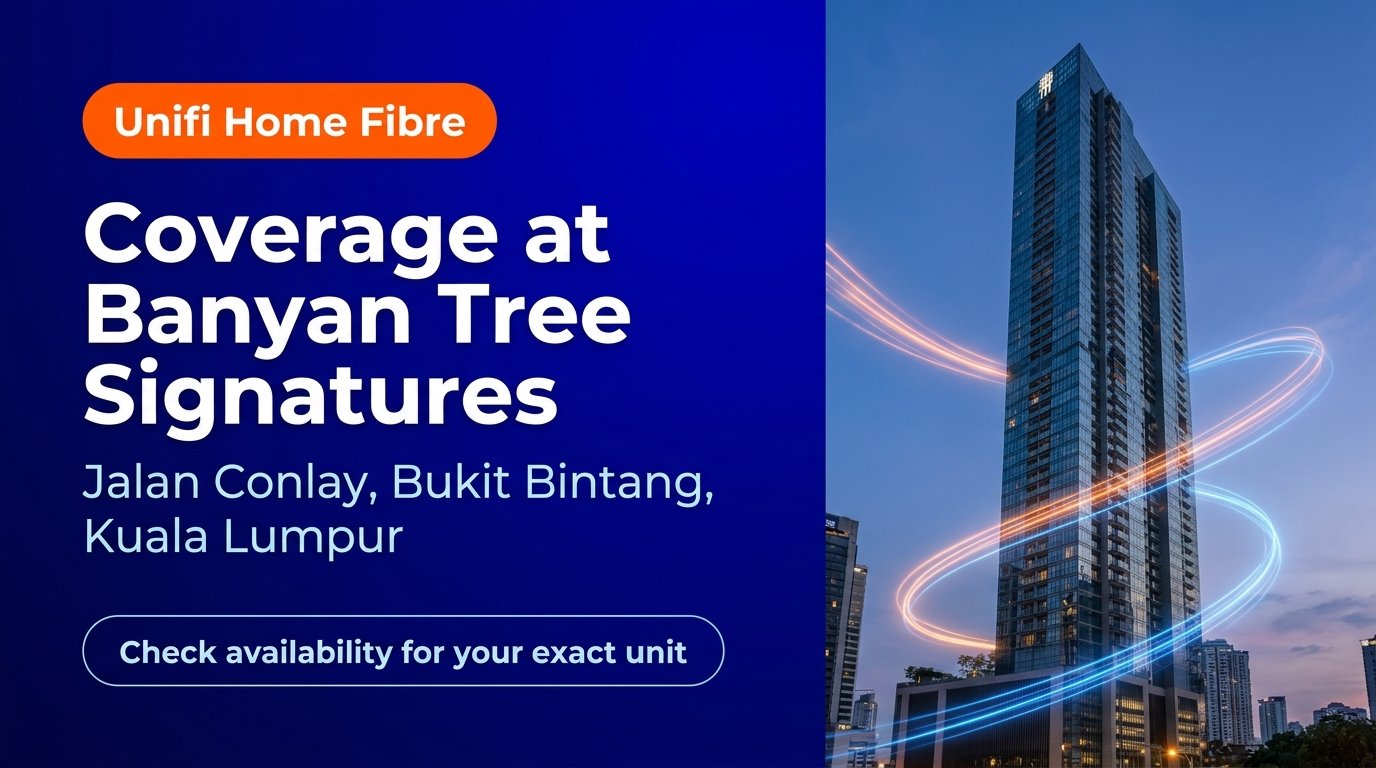
Unifi Home Fibre at Banyan Tree Signatures, Bukit Bintang (Kuala Lumpur)
Living in the heart of Kuala Lumpur’s Golden Triangle demands reliable, high-capacity home broadband to keep everyday digital routines operating at peak performance. For residents, expatriates, and property investors at Banyan Tree Signatures Pavilion Kuala Lumpur, daily internet activity involves much more than basic web browsing. From ultra-high-definition video streaming across multiple smart displays and real-time international business teleconferences to responsive smart-home automation and continuous cloud synchronisation, household bandwidth is shared across sophisticated connected ecosystems. Located along prestigious Jalan Conlay directly connected to Pavilion Kuala Lumpur, this 55-storey luxury branded residence benefits from urban optical infrastructure, making accurate premise-level verification essential to selecting the ideal broadband tier.
This guide explains how to initiate an official coverage check for your specific unit at Banyan Tree Signatures, highlights key considerations for high-rise fibre installations, and compares the five standard Unifi Home Fibre speed tiers (100Mbps, 300Mbps, 500Mbps, 1Gbps, and 2Gbps), all subject to building infrastructure and port availability.
Checking Address and Fibre Port Availability at Banyan Tree Signatures
Banyan Tree Signatures is an iconic landmark in the 50450 Bukit Bintang enclave, renowned for its exclusive sky bridge link to Pavilion Mall and close proximity to the Tun Razak Exchange (TRX) financial hub. In an upscale multi-dwelling unit (MDU) of this scale, fixed broadband connectivity relies on dedicated internal telecommunication risers and building distribution hardware.
When applying for high-speed fibre broadband in a luxury condominium, residents should understand two critical stages of network availability:
- Building-Level Infrastructure: Confirms that Telekom Malaysia (TM) fibre backbones enter the main telecommunications room (MDF) in the building basement, supplying optical capacity to upper residential levels.
- Floor and Unit Port Availability: Validates that an active, unallocated fibre port is ready on the distribution panel serving your specific floor corridor and unit entrance.
Because each floor’s fibre distribution box maintains a predetermined port count, port allocation fluctuates as tenancy changes occur. Before finalising your broadband subscription, submitting your exact level, unit number, tower details, and postal code (50450) ensures a fast and accurate match against current network databases.
Comparing Unifi Home Fibre Plans for High-Rise Residences
Network bandwidth is quantified in Mbps (megabits per second) and Gbps (gigabits per second, where 1Gbps equals 1,000Mbps). A higher plan speed provides generous headroom, preventing buffering when multiple smart appliances, smartphones, and workstations transfer heavy data loads simultaneously.
According to current service details on Unifi Home Fibre, residential subscribers can select from five distinct tiers, each tailored to different household profiles:
Unifi 100Mbps
- Published Speed: Up to 100Mbps download / up to 50Mbps upload (unifi.com.my)
- Ideal Household Size: 1 to 2 occupants with balanced day-to-day connectivity needs.
- Everyday Performance: Supports standard high-definition video streaming, audio calls, casual social media use, and smart lighting systems smoothly.
Unifi 300Mbps
- Published Speed: Up to 300Mbps download / up to 50Mbps upload (unifi.com.my)
- Ideal Household Size: 2 to 4 residents engaging in frequent remote work and high-resolution media entertainment.
- Everyday Performance: Effortlessly handles simultaneous 4K streams, cloud file synchronisation, and crisp remote meetings with no noticeable lag.
Unifi 500Mbps
- Published Speed: Up to 500Mbps download / up to 100Mbps upload (unifi.com.my)
- Ideal Household Size: 3 to 5 occupants or tech-forward households with heavy simultaneous usage.
- Everyday Performance: Generous bandwidth for rapid large-file transfers, multi-screen entertainment, console gaming updates, and dozens of active Internet of Things (IoT) gadgets.
Unifi 1Gbps
- Published Speed: Up to 1,000Mbps download / up to 500Mbps upload (unifi.com.my)
- Ideal Household Size: Power users, creative media professionals, and expansive luxury units with comprehensive smart-home backbones.
- Everyday Performance: Rapid download of enterprise data sets, near-instant 8K media playback, and uninterrupted performance across all connected family devices.
Unifi 2Gbps
- Published Speed: Up to 2,000Mbps aggregated download / up to 1,000Mbps upload (unifi.com.my)
- Ideal Household Size: Executive residences requiring maximum data throughput and ultra-low latency.
- Everyday Performance: High-tier aggregated speeds distributed across multiple high-speed ports, ensuring the absolute benchmark in residential connectivity.
Note: Actual plan options, contract commitments, included hardware, and speeds are subject to building infrastructure verification at your unit address.
Installation Steps for High-Rise Condominiums
Setting up fixed fibre broadband in a premium high-rise residence involves a coordinated approach to ensure clean, unobtrusive cabling:
- Building Management Access: High-rise developments typically require an entry permit for external telecommunication technicians to access the central telecommunication riser rooms. Inquire with the building management office regarding contractor visiting hours.
- Internal Optical Cabling: Certified technicians run internal drop micro-fibre from the floor junction box through existing internal conduits directly into your apartment utility panel.
- Modem and Router Configuration: An optical network unit (modem) and certified Wi-Fi 6 router are connected and tested to establish strong baseline throughput.
- Wi-Fi Optimization: Due to reinforced concrete structures common in high-rise towers, positioning mesh Wi-Fi nodes ensures consistent wireless signal throughout master suites, study areas, and living zones.
To register or check current promotions for your residence, you can review current Home Fibre application details online.
Frequently Asked Questions
1. How do I verify if my unit at Banyan Tree Signatures has available fibre ports?
Submit your exact unit number, floor, building block, and street details through an authorised dealer’s coverage check form. The team will cross-reference your unit directly against TM’s technical database to verify open port capacity.
2. Do I need approval from the Banyan Tree Signatures management office before installation?
Yes. As with most luxury high-rise properties in Kuala Lumpur, service contractors require security registration and access authorization to enter service risers. Informing management beforehand ensures a smooth installation appointment.
3. Which speed tier is most suitable for a 2-bedroom executive suite?
For executive residences with 2 to 3 occupants conducting frequent remote video calls, high-definition streaming, and multiple personal mobile devices, 300Mbps or 500Mbps offers exceptional performance and reliable data stability.
4. What equipment is provided with standard Unifi Home Fibre subscriptions?
Standard new installations provide an optical network terminal (modem) paired with a high-performance Wi-Fi 6 certified router, along with standard indoor fibre cabling up to allowable distance limits, subject to official Unifi terms and conditions.
5. Can I transfer an existing Unifi broadband account to Banyan Tree Signatures?
Yes, existing subscriptions can typically be relocated to your new address, provided that an active unallocated port is verified at your specific apartment unit before processing the move.
6. How can I ensure strong Wi-Fi signal coverage across larger corner suites?
Thick concrete partitions in high-rise apartments can absorb wireless signals. Adding compatible mesh Wi-Fi satellite nodes connected to your primary router helps extend balanced wireless coverage to bedrooms and private balconies.
Where Is Banyan Tree Signatures, Kuala Lumpur?
Banyan Tree Signatures Pavilion Kuala Lumpur, 2, Jalan Conlay, Bukit Bintang, 50450 Kuala Lumpur, Wilayah Persekutuan Kuala Lumpur, Malaysia.
Map shows the property location, not fibre coverage. Availability requires an exact-unit check.